What's the fastest charging speed your iPad or iPhone port can handle?
Getting the most out of your iPhone or iPad's battery is about more than keeping an eye on how much power your apps consume. Your
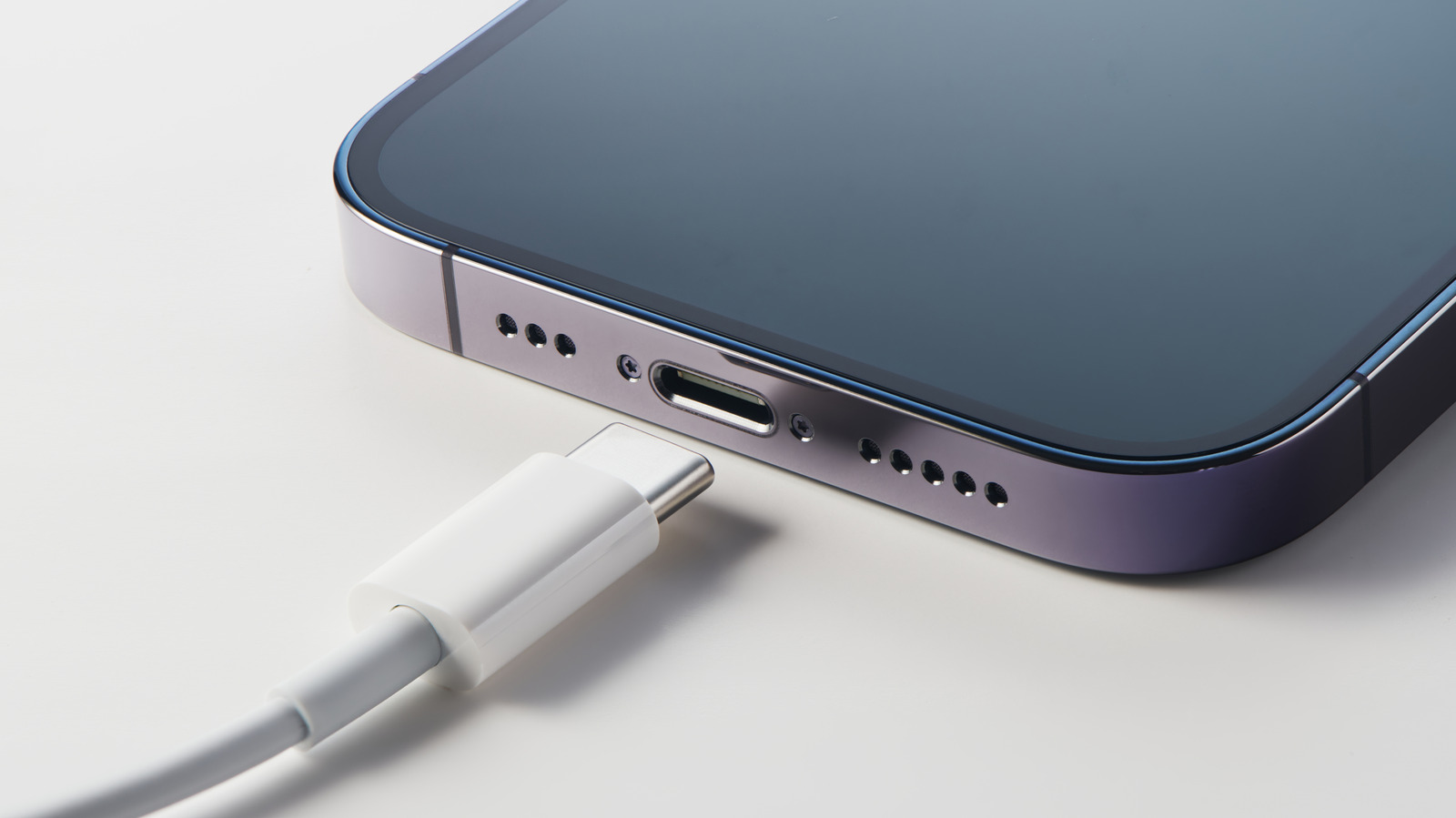
Getting the most out of your iPhone or iPad's battery is about more than keeping an eye on how much power your apps consume. Your charging speed can also have an effect on your battery's longevity. A slow charger might be a little better for your battery as it ages, but it also might mean you only gain back a few percentage points of juice while chugging your morning coffee.
In the same span of time, a fast charger can get you enough battery to make it through a long commute. Charging your iPhone at its top speed can make all the difference when you only have a few minutes to plug it in before running out the door. But in order to charge your devices at their maximum speeds, you have to know what those speeds are.
As compared to some competitors, Apple is inconsistent about listing battery specifications on its consumer-facing spec sheets, leaving you to figure it out. And now that the company no longer includes a charging brick in the box, many people are likely using outdated and slow chargers on newer iPhones and iPads. How can you be sure what the fastest charging speed for your device is, and whether your charger is fast enough?
To answer that question, we'll take a look at how battery capacities and charging speeds are measured, how those measurements translate to the latest iPhone and iPad lineups, and how Apple's included accessories are shortchanging your charging experience.
 The BriefWire