Why some USB ports are purple (and why they're rarely sold in the US)
The industry body that regulates USB standards, the USB Implementers Forum (USB-IF), uses three standard colors for USB: white (USB 1.0), black (USB 2.0) and
The industry body that regulates USB standards, the USB Implementers Forum (USB-IF), uses three standard colors for USB: white (USB 1.0), black (USB 2.0) and blue (USB 3.0, 3.1 or SuperSpeed). "Blue is the recommended color for the USB 3.1 Standard-A receptacle... to help users distinguish it from the USB 2.0 Standard-A connector," the company says in its legacy USB document. Any other color including green, purple or orange is not part of USB-IF standards and has no "official" meaning for ports or connectors. With that said, purple does have a common, though far from universal, connotation.
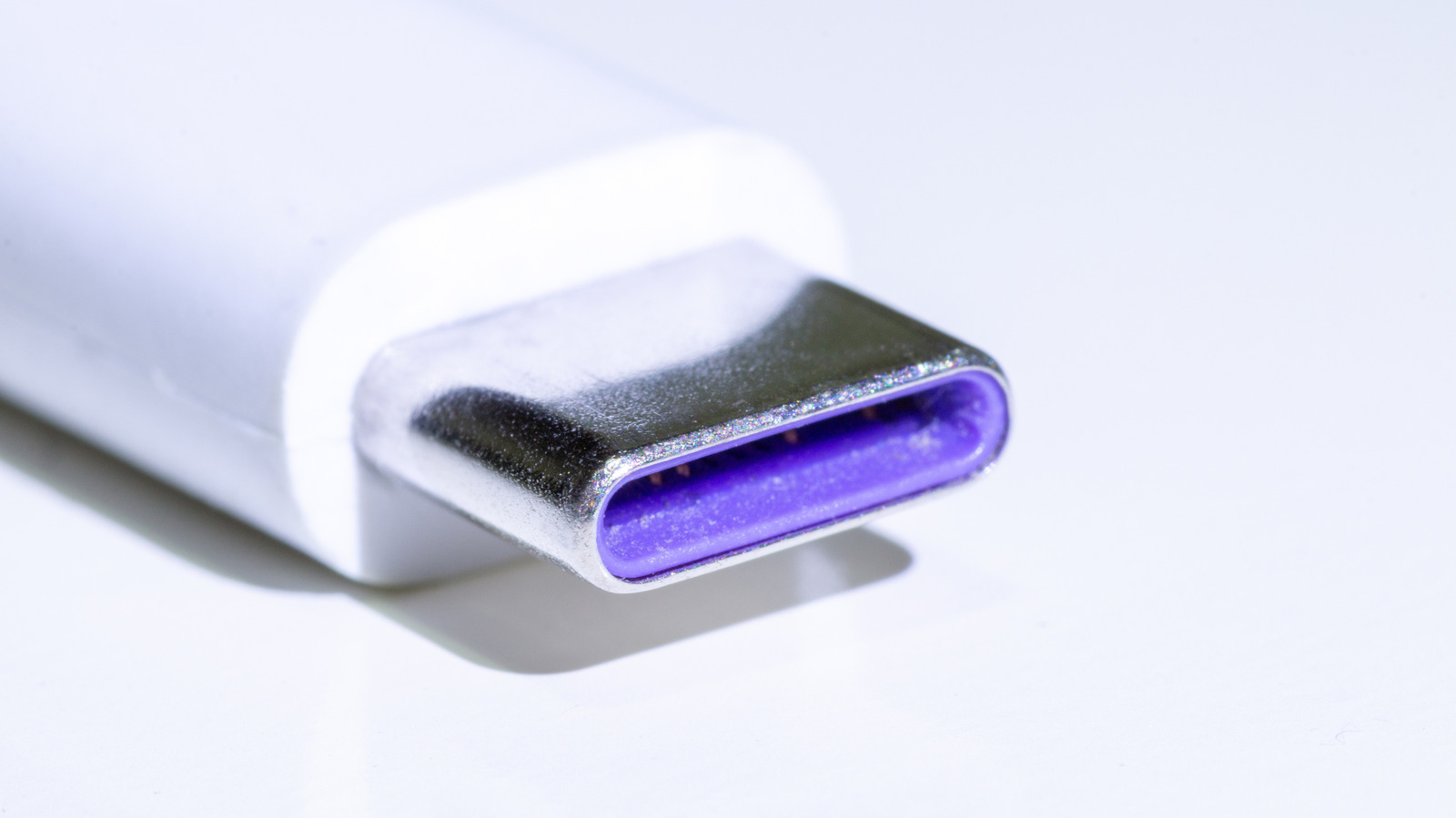
It's used by Huawei's SuperCharge high-speed system for device charging, both on Type-A and Type-C connectors and ports. Those support charging speeds at 40 watts or more, along with standard USB Power Deliver (PD) and Qualcomm's Quick Charge protocol. Huawei only uses that purple color on its 25W Mini Charger nowadays, promising compatibility with its own phones as well as other Android and IOS devices. Its other SuperPower Wall Chargers (100W and 66W) have orange USB-A and USB-C connectors, which also denote high-current power delivery and fast data speeds.
Huawei's 6A phone charging cables all use orange connectors, so there's no longer a purple-coded one to be found. Huawei smartphones can't legally be sold in the US due to trade sanctions with China, which explains why Americans rarely see the purple connectors. The exception is that some non-Huawei USB 3.1 Gen 2 cable makers use either teal blue or purple on the connectors to denote the extra speed over USB 3.0 (10Gbps compared to 5Gbps) along with higher charging capacities. There are a few other colors used by USB manufacturers as well, in case you weren't confused enough by the black, white, blue, teal, orange and purple ones I've already mentioned.
Red (desktop) or yellow (laptop, always on) ports indicate either USB 3.2 or USB 3.1 Gen 2, but are also used for charging-only ports. The other is green, which usually denotes Type-A or old-school Type-B Qualcomm Quick Charge receptacles and plugs. Razer also famously uses green for the USB ports on its laptops, to match its branding aesthetic.
 The BriefWire