Googlebooks are the Android-based evolution of the Chromebook
After multiple years of rumors, Google today confirmed a new laptop-focused initiative called Googlebooks. ChromeOS, which launched more than 15 years ago, was built with
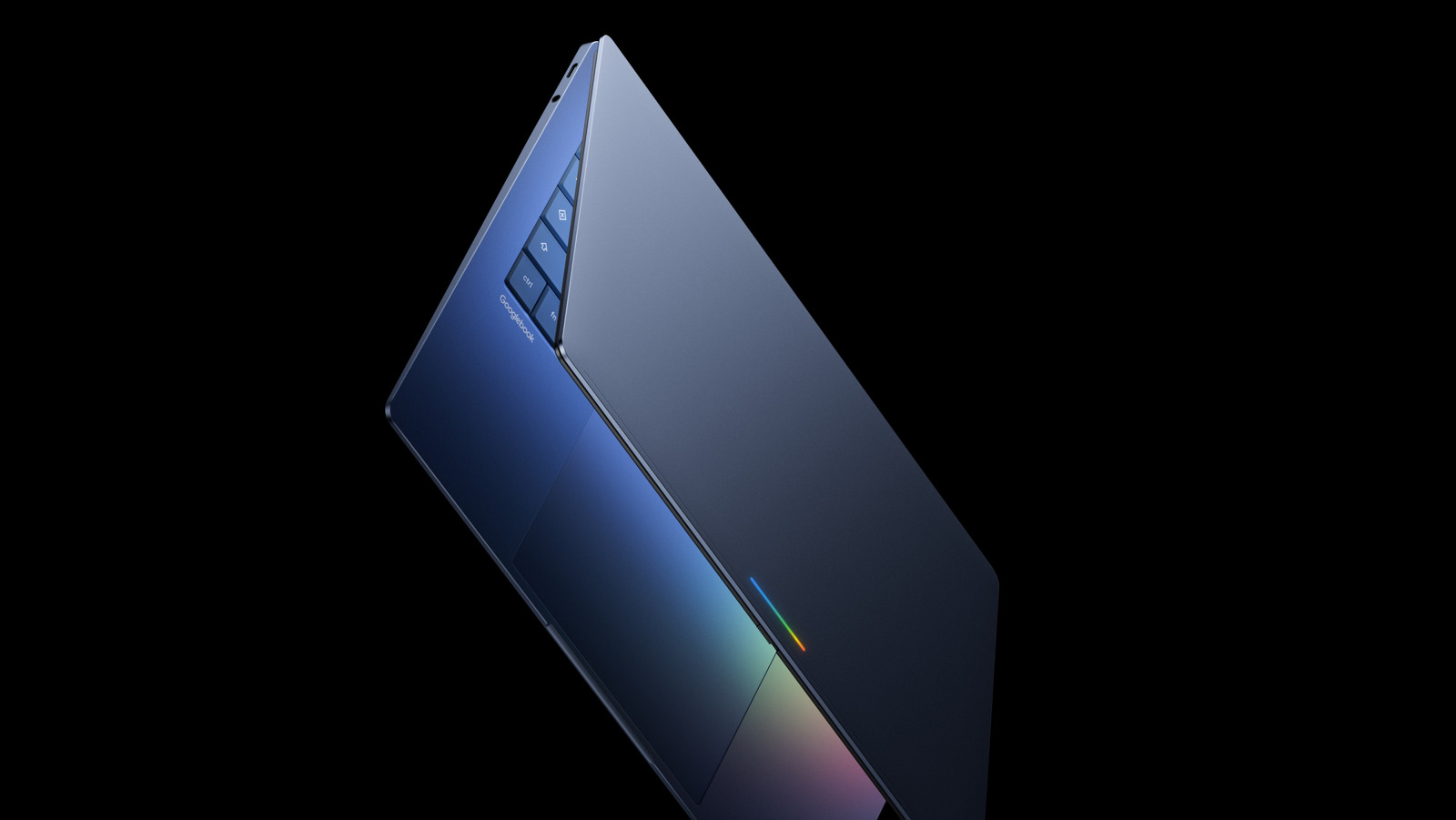
After multiple years of rumors, Google today confirmed a new laptop-focused initiative called Googlebooks. ChromeOS, which launched more than 15 years ago, was built with the thought that most people do everything online now; Google says this new category of laptops is built for a Gemini-first world. The company only gave us a very brief preview of what makes up a Googlebook, with plans to more formally announce more details including hardware later this year. Here's what we know so far. The OS running on Googlebooks has its origins in Android, something we've been hearing about for several years now. Of course, Chromebooks have supported app streaming from Android phones since 2023, but Google says that building the OS from the ground up on Android will allow for a lot closer integration between Googlebooks and Android phones. It'll also enable the company to develop and implement Android features on laptops much easier than it can currently do with ChromeOS. Since ChromeOS was basically just a browser to start with, Google has had to graft a lot of features like Quick Share and Phone Hub to make the system work better with Android — that won't be the case with Googlebooks. As such, Google is pushing more robust Android integration with Googlebooks. There's a new Quick Access feature that'll show your compatible Android phone in the sidebar of the file browser, giving you immediate access to everything stored on it that you might want to share on your laptop.
The new "Create Your Widget" feature coming to Android 17 is present here, as well. This lets you build a dashboard of related files and information from Gmail, Calendar and other Google apps to keep a project or event all in one easily accessible place. Googlebooks will also offer a streamlined way to view apps from your Android phone on your laptop. Like I said, ChromeOS has offered app streaming for a while already, but this implementation seems a lot simpler. There's a phone button in the dock at the bottom of the screen, and clicking that will just bring up a grid of apps that you can immediately launch on your Googlebook. It remains to be seen how exactly this differs from the current app streaming implementation, but it feels like these updates are meant to do something similar to the iPhone mirroring feature on the Mac that Apple introduced a few years ago. The real star of the show, to hear Google tell it, is improved Gemini integration. But aside from the Create Your Widget feature, Google has only showed off one other new Gemini feature: the Magic Pointer. This is an AI-powered upgrade to the standard cursor that every computer uses as a pointing and clicking interface. Wiggling the cursor transforms it into the Magic Pointer, which Google says will give you "quick, contextual suggestions" from whatever you point at on your screen.
 The BriefWire